How to generate better Aebys
Tips and tricks
Choose prompts that contain a face
✓ Good
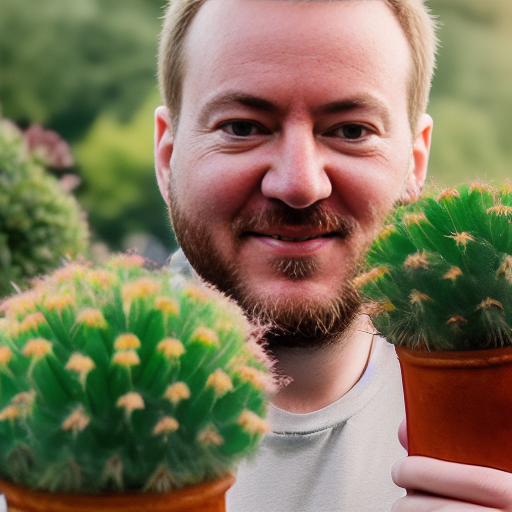 "A portrait photograph of Stefan as a cactus owner"
✗ Bad
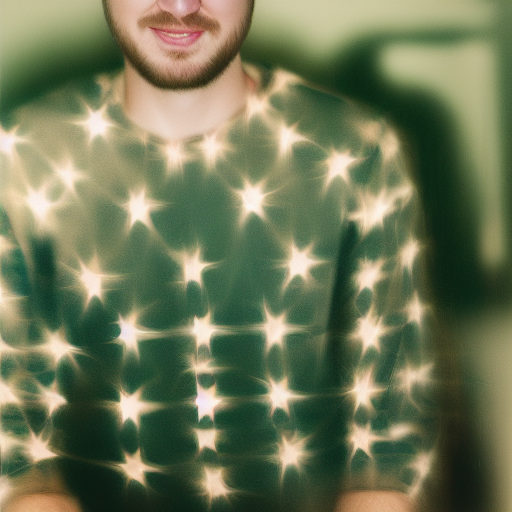 "A portrait photograph of Stefan as a cactus"
Only generate close-up portrait images
✓ Good
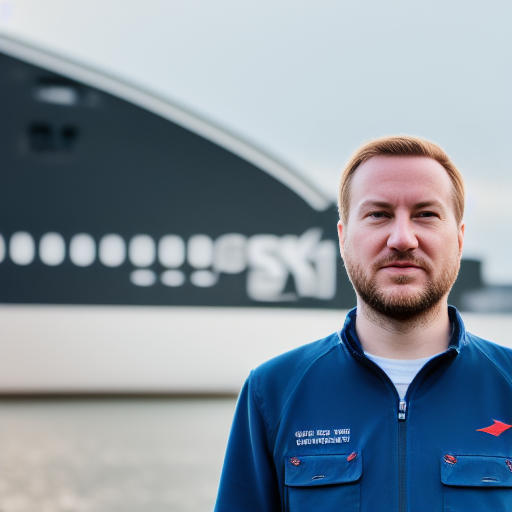 "A portrait photograph of Stefan as a pilot with a huge hangar in the background"
✗ Bad
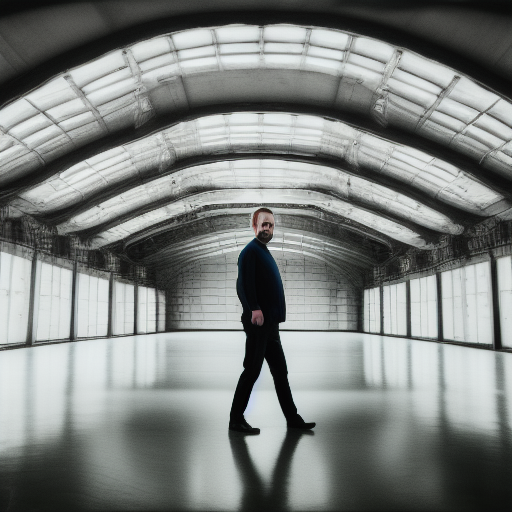 "A portrait photograph of Stefan as a pilot in a huge hangar"
How it works (if you care)
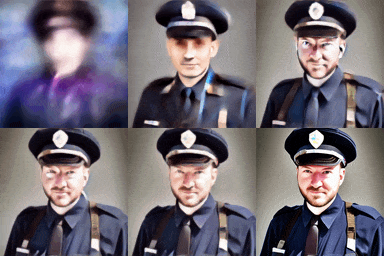
Here's how the generator will create an image for the given prompt:
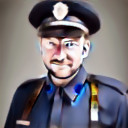
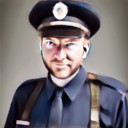
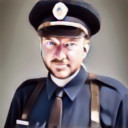
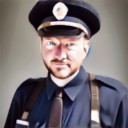
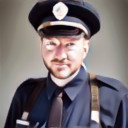
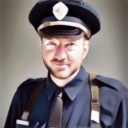
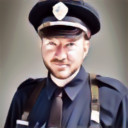
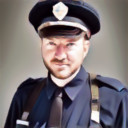
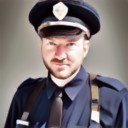
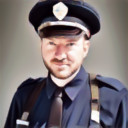
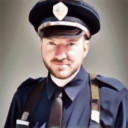
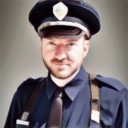
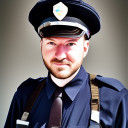
"A portrait photograph of Stefan as a police officer"Workflow
- Set the initial prompt to "A portrait photograph of a police officer"
- Start the image generation for the first 35% of the generation process
- Switch the prompt to "A portrait photograph of Stefan"
- Generate the remaining 65% with the new prompt
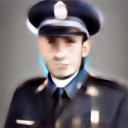
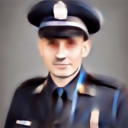
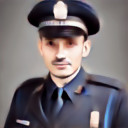
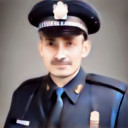
Visually this looks something like this: